Quality comparison
Why leafbind converts academic PDFs better than Calibre
Three specific failure modes that break every other converter — each one shown with screenshots from the same source document.
01
Multi-column layouts
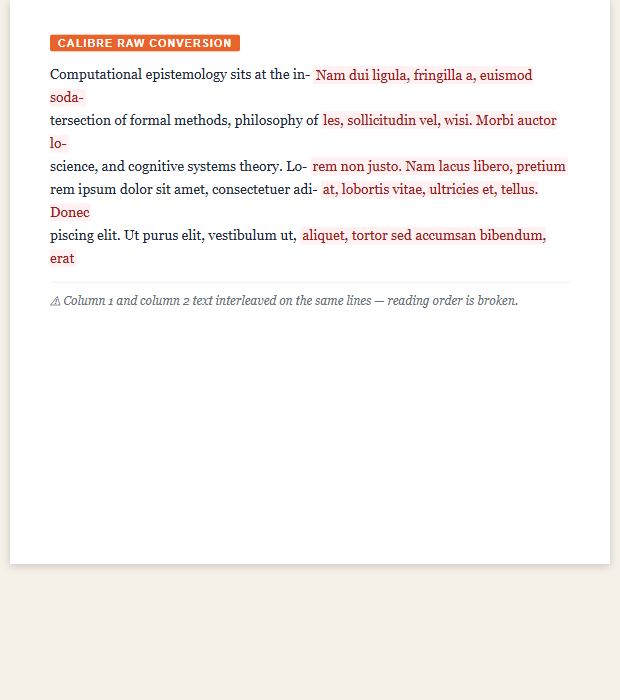
The problem. Most converters read text left-to-right across the full page width, interleaving both columns line by line. A sentence from the left column is immediately followed by a sentence from the right column — the result is unreadable.
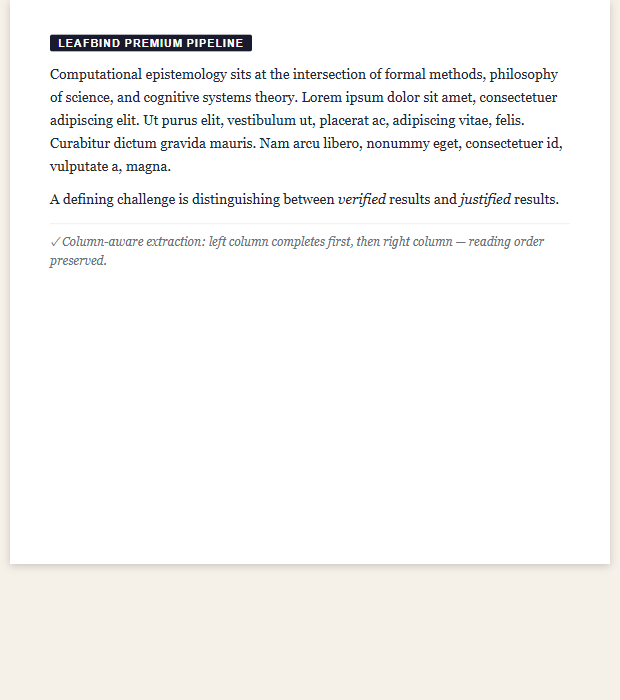
The fix. leafbind uses coordinate-based extraction to identify column boundaries, then reads each column sequentially. The text flows exactly as the author intended.
Multi-column PDF conversion →Calibre raw
leafbind
02
Footnotes and backreferences
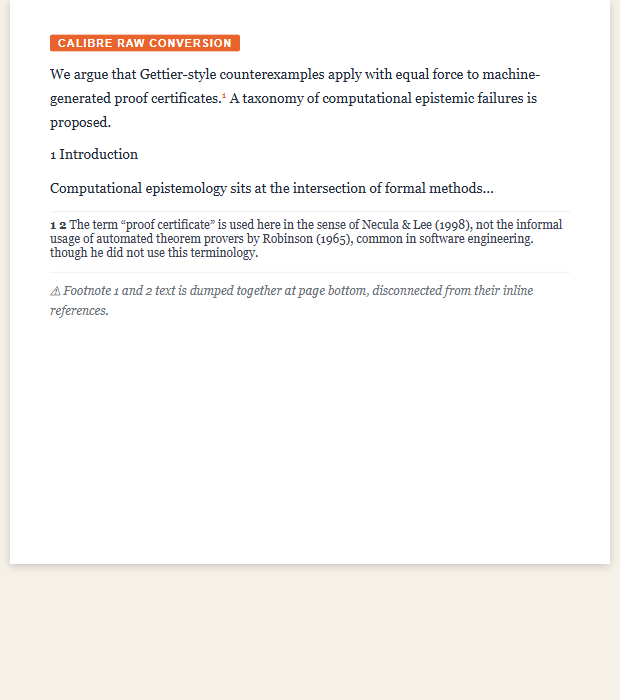
The problem. Footnotes are positional in PDF — they sit at the bottom of a physical page. When the page model disappears in a reflow format, most converters strip footnote content or dump it at the document end with no link back to the citation.
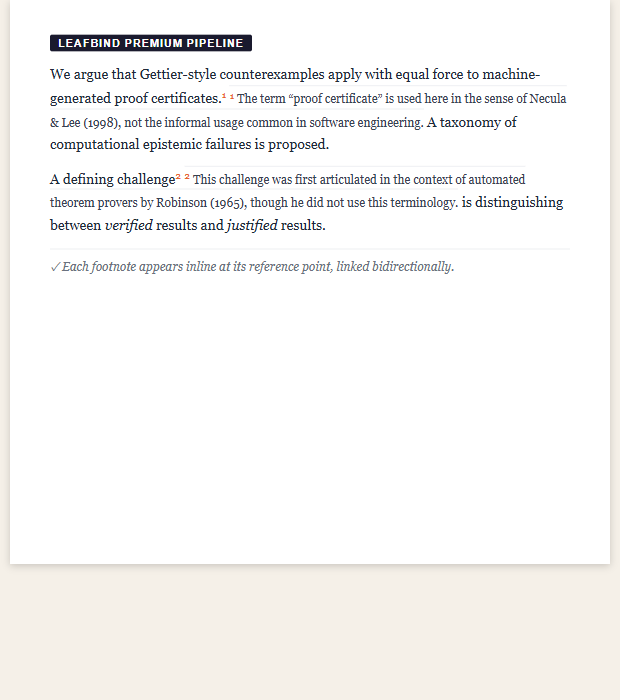
The fix. leafbind detects footnote markers, matches each to its footnote body, and generates linked pairs in the output. On Kindle, tapping a superscript jumps to the note; tapping the reference returns you to the reading position.
PDF footnote conversion →Calibre raw
leafbind
03
Section headings and structure
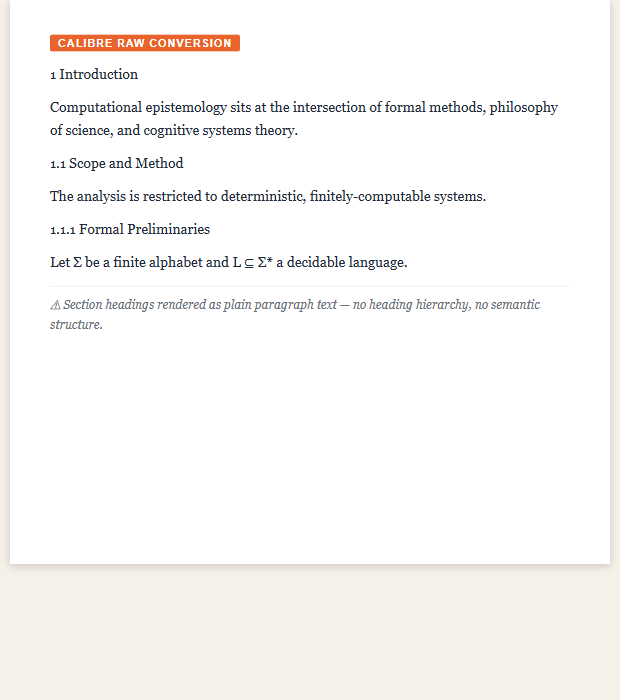
The problem. PDF has no semantic structure — only coordinates and font sizes. Calibre cannot reliably distinguish a heading from large-font body text, so sections become plain paragraphs with no table of contents and no Kindle chapter navigation.
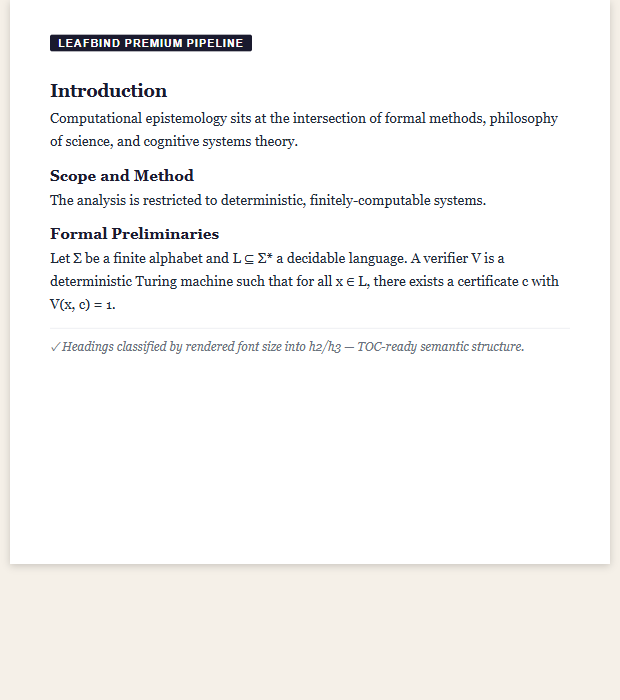
The fix. leafbind classifies text by rendered font size and weight, identifies heading candidates by visual prominence, and tags them as h2 and h3 in the output. The result is a structured book with a navigable chapter list.
Academic PDF conversion →Calibre raw
leafbind
See how your PDF converts
Free tier: 3 conversions per day, up to 20 MB per file. No account required.
Upload your PDF